
Marmi di Carrara · 1956
Marble design tools
Seven free tools: try a slab in your own room, see a marble kitchen, work out slabs and cost, place a slab at true size with your camera, compare two slabs, find a marble from a photo and create a piece list from your sketch.
Pick a marble, try it in your space (simulation), work out how many slabs you need with 15 % waste and a ±10 % cost range, then ask for a quote. These are estimates and simulations: the real slab is chosen on its own photo.
Step 1 of 3
- 1Choose the marble
- 2See the result
Where do you want it
You can choose several surfaces together.
Upload a photo of your room
The photo is processed by external services (Cloudflare, Google) only to create the image and is not stored by us.
Your photo is not saved.
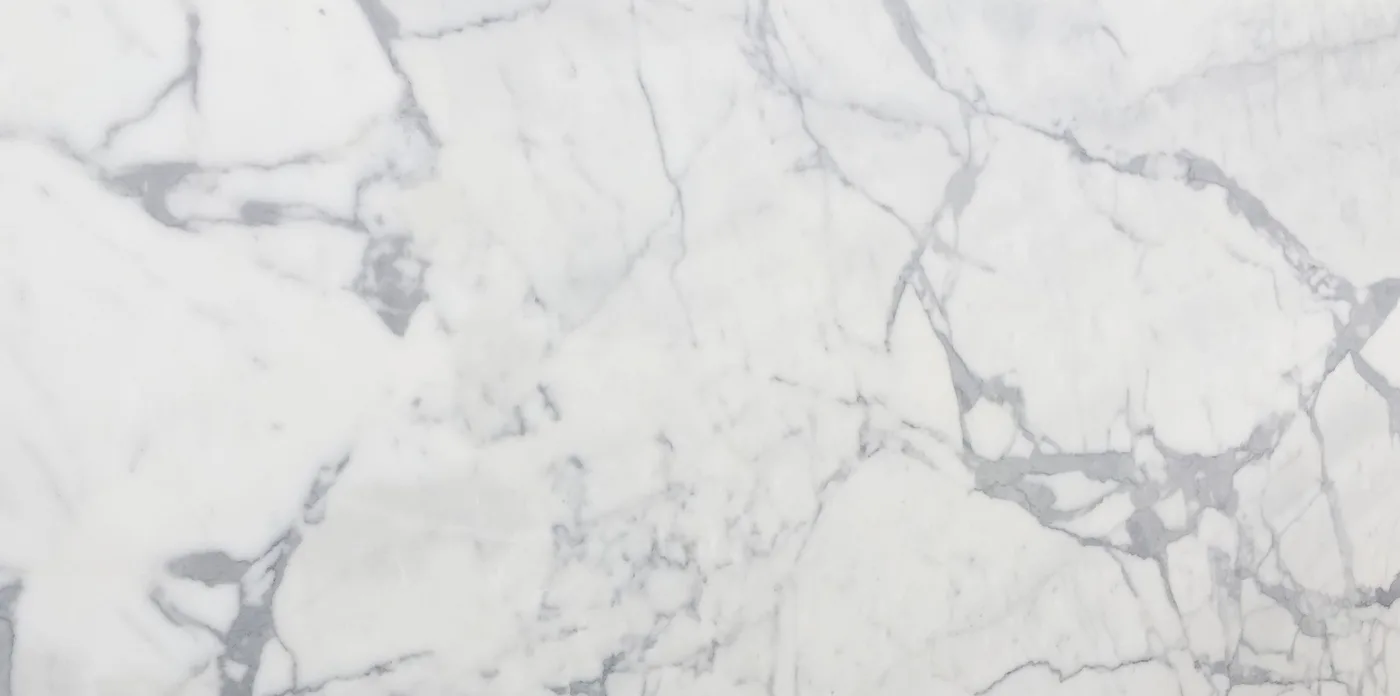
Material
Statuario
Like this project? Send us a sketch or drawing for a piece list and a quote.
Send your drawing →Upload a photo of your room, change the finish, compare two slabs or frame the wall with the camera.
Indicative simulation: the delivered slab may differ, choose on the photo of the real slab.
For more tools visit Marble Engine ↗Marble Engine: digital tools for natural stone
Profile library · See it in your space
- 01
Choose the material
Open a tool and pick a catalogue marble or a real slab from the yard.
- 02
Try it
Upload a photo of your room, change the finish, compare two slabs or frame the wall with the camera.
- 03
Calculate
Enter the m², thickness and use: see slabs needed and an indicative cost with a ±10 % range.
- 04
Ask for a quote
Send the pre-filled request or write on WhatsApp: we choose the real slab together.